

A big button TV remote makes it easier to turn the sound up or change channel without hunting for tiny keys. This guide is for older people, and for families helping a parent or grandparent who finds the usual remote confusing. We have picked four simple remotes, with rough prices and easy tips for setting them up.
Quick comparison of big button TV remotes
| Product | Best for | Rough price |
|---|---|---|
| One For All Big Button Remote (URC6821) | A TV and a set top box | Around £18 to £25 |
| Mitchell & Brown Big Button TV Remote | No setup at all | Around £30 |
| Geemarc TV10 | Poor eyesight on a budget | Around £15 to £20 |
| Geemarc TV PHOTO100 | Memory loss | Around £44 to £50 |
Why a simpler remote helps
Most modern remotes have dozens of small buttons, and many look alike. One wrong press can open a menu or switch the screen to a different input. As a result, a simple job like turning up the volume can end in a worried phone call to family.
A simpler remote keeps only the buttons people use every day. In fact, most models put power, volume, channel and mute on large keys that are easy to see and feel. So the TV stays easy to use, even on a bad day.
Also, if the real problem is hearing the TV, a new remote will not fix it on its own. Our guide on how to hear the TV and phone clearly covers gadgets that help.
The best big button TV remotes to buy
One For All Big Button Remote (URC6821)
One For All makes this remote to replace two others. It works your TV and a Freeview, Sky or Virgin box. Its large blue buttons sit in a simple layout, and it can even control a soundbar.
Setup takes three steps, and a short guide comes in the box. For example, its learning feature copies a button from your old remote if you need it. Prices usually sit around £18 to £25.
Best for: anyone who uses a TV and a set top box and wants one remote for both.
Button: See the One For All Big Button Remote on Amazon
Mitchell & Brown Big Button TV Remote
This remote needs no setup at all. You put the batteries in, point it at the TV and start watching. Mitchell & Brown says it works with most TVs made since around 2000, including Samsung, LG, Sony, Philips and Panasonic.
However, it only covers the basics: power, volume, channel, mute and menu. You cannot teach it extra buttons from your old remote. So check before you buy if you also need to control a separate box. Expect to pay around £30.
Best for: people who only watch the TV channels and want the simplest possible start.
Button: See the Mitchell & Brown Big Button TV Remote on Amazon
Geemarc TV10
Geemarc designed this remote for people with sight loss or stiff fingers. Eight extra large, high contrast keys cover power, mute, volume and channel. Below them, large number keys make it easy to pick a channel.
It learns each button from your old remote and can store two devices, such as a TV and a box. On the other hand, the RNIB notes that it does not suit smart TVs. At around £15 to £20, it is one of the cheapest big button TV remotes we found. Also, if you are blind or partially sighted, you may be able to buy it without VAT.
Best for: anyone with poor eyesight who wants clear, chunky keys on a small budget.
Button: See the Geemarc TV10 on Amazon
Geemarc TV PHOTO100
This remote suits people living with memory loss. You can put channel logos on ten of its keys. Then one press takes the TV straight to that channel, so there is no need to remember numbers.
Setup needs a computer, because you program it with free software and a cable that comes in the box. You then print the logos and slide them under clear covers on the keys. In short, a family member will usually set it up. It costs around £44 to £50, and some sellers offer VAT relief.
Best for: someone who struggles to remember channel numbers or read small labels.
If memory is a worry, our guide to day clocks for memory loss may also help.
Button: See the Geemarc TV PHOTO100 on Amazon
Before you buy
First, work out what the remote needs to control. Some people only need the TV, while others also use a Freeview, Sky or Virgin box.
Next, check how your box or streaming stick talks to its remote. Some newer devices use Bluetooth instead of infrared, and these remotes may not work with them. Our guide to streaming sticks made simple explains how those devices work.
Finally, buy some AAA batteries, because most of these remotes come without them. Also, if you have a long term illness or disability, ask the seller whether you can buy without VAT.
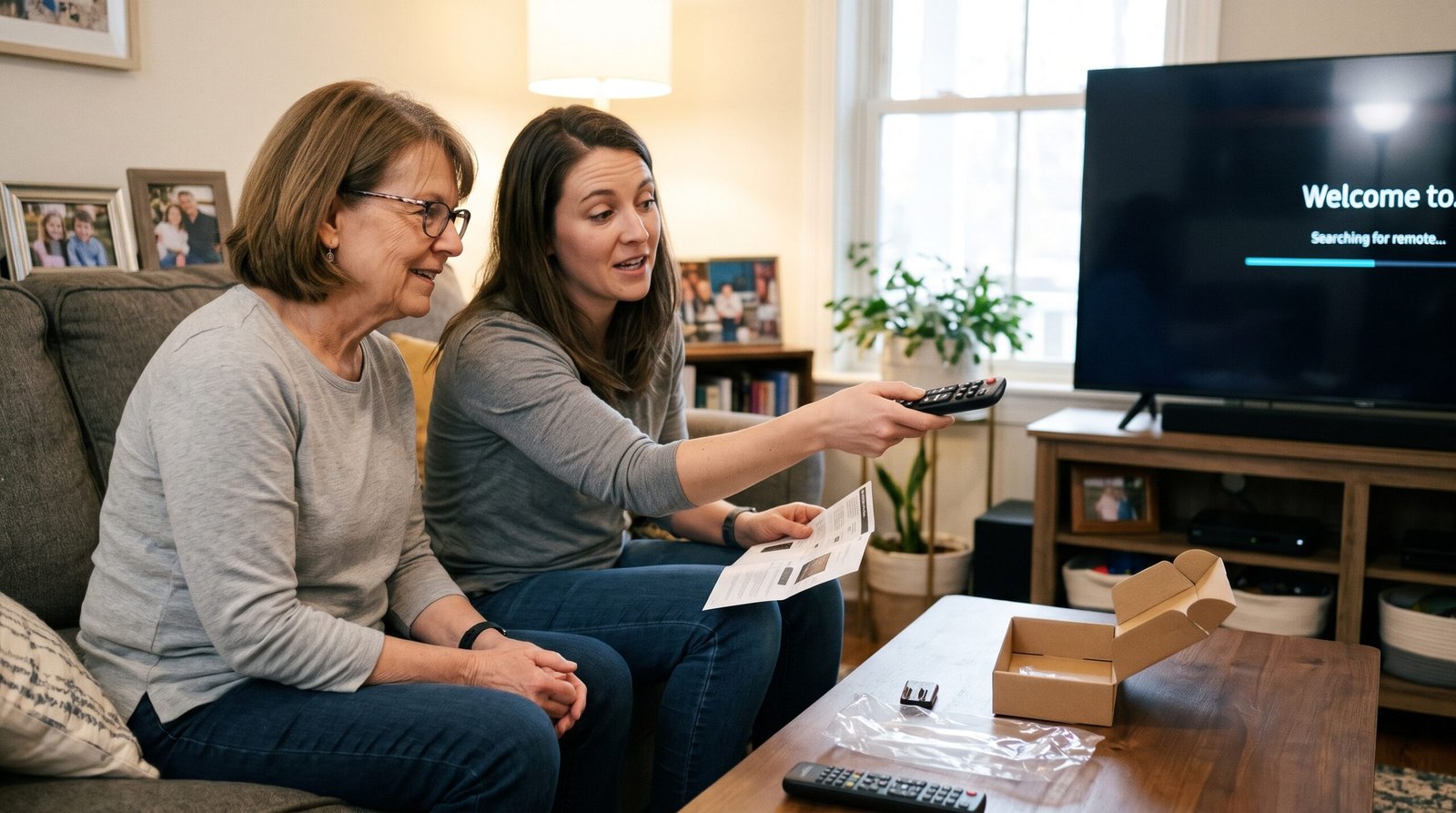
Tips for setting up big button TV remotes
- Put fresh batteries in both the new remote and the old one.
- Follow the quick guide in the box. For a learning remote, hold both remotes a few centimetres apart, facing each other.
- Test every button with the person who will use it, and write a short note if anything works differently.
- Keep the old remote somewhere safe, because you may need it for the odd setting.
If the screen goes blank, the TV may be on the wrong input. In that case, press the source or input button on the old remote to get back to normal.
Getting help
Ask a family member, friend or neighbour to help with setup if you are not sure. Many local Age UK groups also run low cost help sessions on everyday technology. Alternatively, the shop you bought from can usually answer questions about whether a remote suits your TV.
A small change that makes a big difference
Big button TV remotes are a small, low cost change that can make watching TV relaxing again. Choose one that controls the devices you really use, then set it up together. After that, keep the old remote in a drawer for the rare jobs the new one cannot do.