
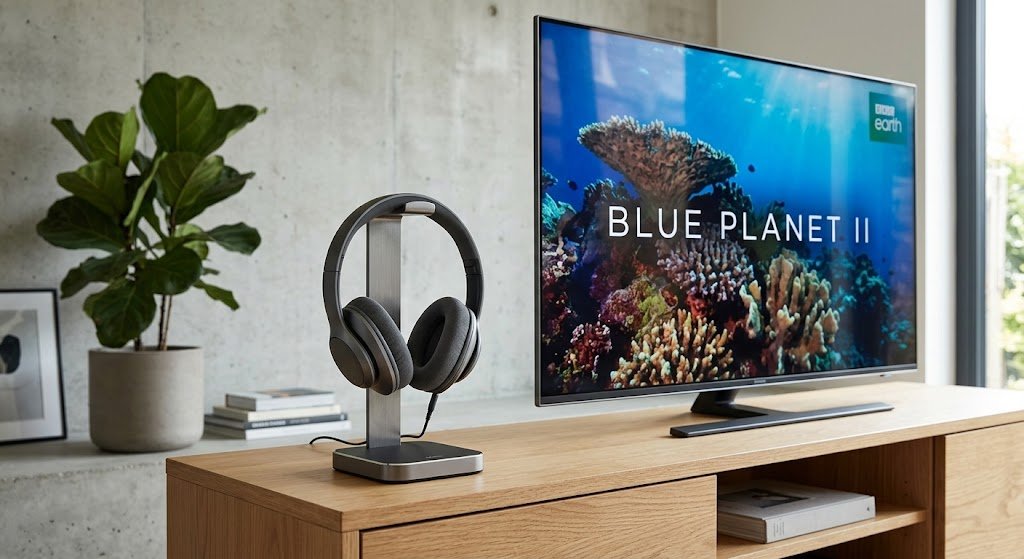
Wireless TV headphones let one person hear the television clearly at their own volume, while everyone else in the room listens at a normal level. As a result, they are one of the simplest and most effective gadgets for anyone who finds speech on TV hard to follow.
This guide contains affiliate links. If you buy through them, we may earn a small commission at no extra cost to you.
If the TV volume has become a source of arguments at home, or a relative keeps asking “what did they say?”, this guide explains the options, what to look for and how to set them up.
How wireless TV headphones work
Most TV headphone sets come in two parts. A small base unit plugs into the TV and sends the sound wirelessly to the headphones, which usually sit on the base to charge. You then set the volume on the headphones themselves, so it does not affect the TV speaker.
There are three main styles to choose from.
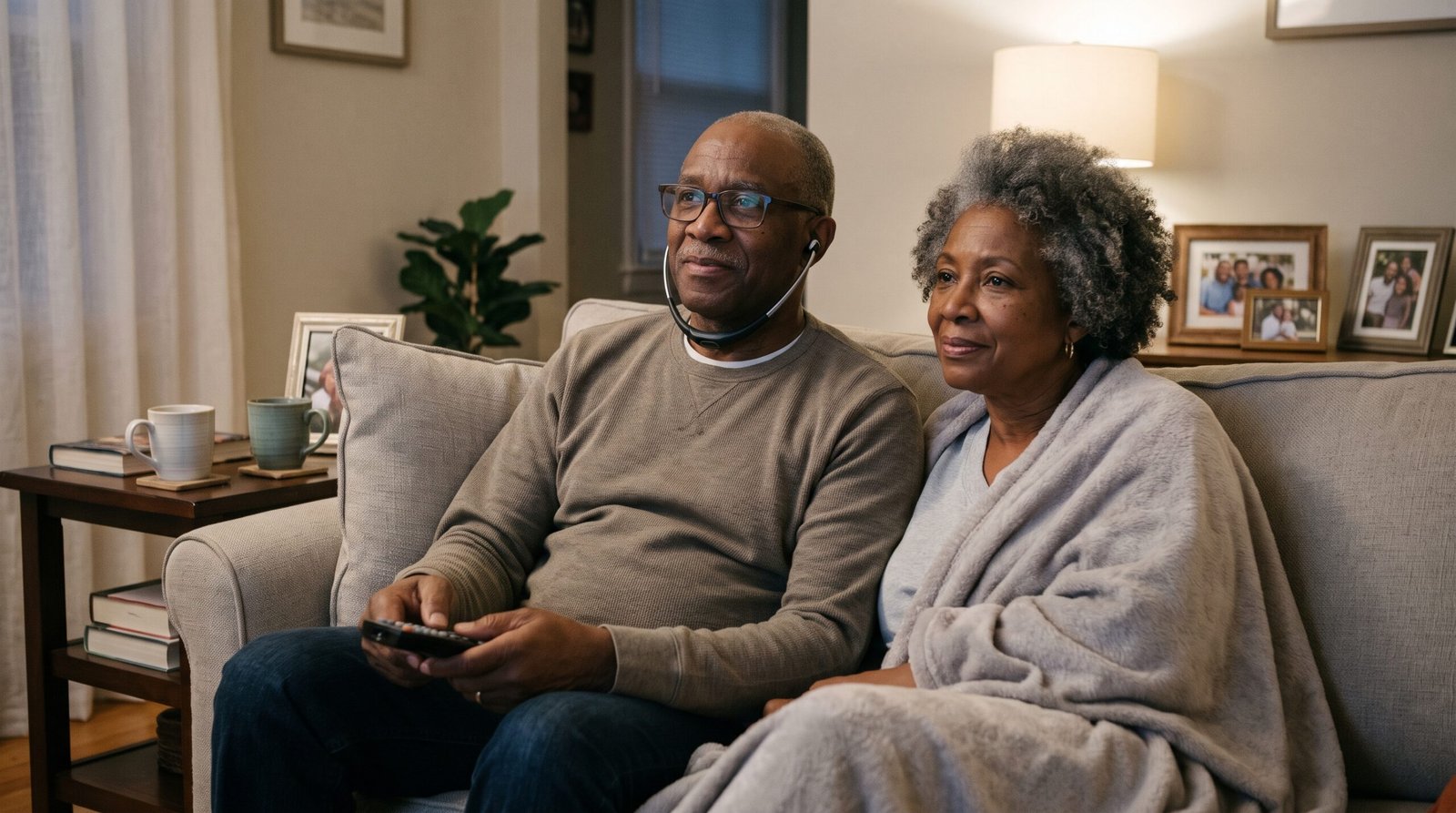
- Under the chin listeners. These hang below the chin like a doctor’s stethoscope, with soft earpieces that rest in the ears. They are light, quick to put on and popular with older users.
- Over the ear headphones. These look like ordinary headphones. They are comfortable for long evenings and also block out more background noise.
- Bluetooth headphones. These connect straight to the TV’s own Bluetooth. They can be handy. However, not every TV will pair with them, and the sound can lag slightly behind people’s lips.
For most people with hearing difficulties, a dedicated set with its own base unit is the most reliable choice, because it does not depend on the TV’s settings.
What to look for when buying wireless TV headphones
- Speech clarity. Look for a voice or speech setting. It lifts the sound of people talking above the music and background noise, which matters more than simple loudness.
- Separate left and right volume. Useful if one ear hears better than the other.
- Big, simple buttons. Small controls are hard to find in a dim room, and they are a common reason sets end up in a drawer.
- A charging base. Headphones that charge by sitting on the base are far easier than fiddly cables.
- Battery life. Aim for enough to cover a full evening of viewing.
- Range. Radio based sets often work through walls, so you can pop to the kitchen without losing the sound.
- The right connection for your TV. Check the back of your TV first, as explained below.
- A second headset option. Some systems let two people listen at once, each at their own volume.
The best wireless TV headphones: our picks
These four sets are made for TV listening, come with their own base unit and are widely sold in the UK. Prices are a rough guide and change often, so check the latest price before you buy.
| Model | Style | Stand out features | Price guide | Best for | Where to buy |
|---|---|---|---|---|---|
| Sennheiser RS 5200 | Under the chin | Speech clarity setting, separate left and right volume, choice of ear tips | About £240 | Clearest speech, if budget allows | Check the price at Amazon |
| Geemarc CL7400 | Over the ear | Amplified sound, comfortable for long viewing | About £125 | People who prefer ordinary headphones | Check the price at Amazon |
| Amplicomms TV 2500 | Under the chin | Amplified, works with most TVs and audio systems | About £120 | A lighter, quick to wear option | Check the price at Amazon |
| Sony WH-RF400 | Over the ear | Radio connection with its own base, simple controls | Budget | Mild hearing difficulty on a tight budget | Check the price at Amazon |
If the main problem is following speech rather than volume, the Sennheiser is worth the extra cost. On the other hand, for someone who simply needs the TV a bit louder than everyone else, a budget set will often do the job.
Connecting wireless TV headphones to your TV
Before you buy, look at the sockets on the back or side of your TV. This decides which sets will work.
- Headphone socket (a small round hole). Works with most sets. On many TVs, though, plugging in here turns the TV speaker off, so others in the room hear nothing.
- Optical output (a small square port, often with a red light). Works with sets that include an optical cable, and the TV speaker can usually stay on.
- Red and white sockets (two round coloured sockets). Works with most sets, and the TV speaker can usually stay on.
- Bluetooth only (no suitable socket). Check your TV accepts headphones before buying, as some TVs will not connect to headphones made for phones.
Setting up usually takes a few minutes. First, plug the base into the mains and connect it to the TV with the cable supplied. Then switch on the headphones. If others in the room want to hear the TV speaker at the same time, choose the optical or red and white connection so the speaker stays on.
You may not have to pay VAT
Wireless TV headphones designed for people with hearing loss can be sold without VAT. In fact, HMRC lists TV amplifiers and earpieces that let a person with hearing loss hear without turning up the volume as equipment that can be zero rated. This applies when someone with that condition buys one for their own personal use.
Ask the seller about VAT relief before you pay. The seller must be VAT registered, and you will sign a short form confirming your condition. If you cannot sign it, a GP or another responsible person can sign for you. Ordinary headphones sold to anyone do not usually qualify.
Other ways to hear the TV better
Wireless TV headphones are not the only answer. These can help too, either alongside headphones or instead of them.
- Turn on subtitles. Freeview, Sky, Virgin and BT boxes offer them from the remote. Many people find them a big help with fast or mumbled speech.
- Use a hearing loop. If you wear hearing aids with a loop setting, a TV hearing loop can send the sound straight into them.
- Get your hearing checked. TV headphones make sound louder, but they are not hearing aids. NHS hearing aids are free after a referral from your GP, including batteries and repairs. The charity RNID also offers a free online hearing check.
For help with the phone, the doorbell and the alarm clock as well, see our guide to gadgets for hearing loss. You may also like our guide to smart speakers and health gadgets for older people. Wireless TV headphones also make a thoughtful present, so take a look at our tech gifts for older parents and grandparents.
Wireless TV headphones: the bottom line
In short, wireless TV headphones are a simple way to end arguments over the TV volume and make speech easier to follow. For the clearest speech, choose a set with a speech setting, such as the Sennheiser RS 5200. Otherwise, a budget set may be enough. If you notice you or a relative struggling with the TV, a hearing check is a good first step too.