
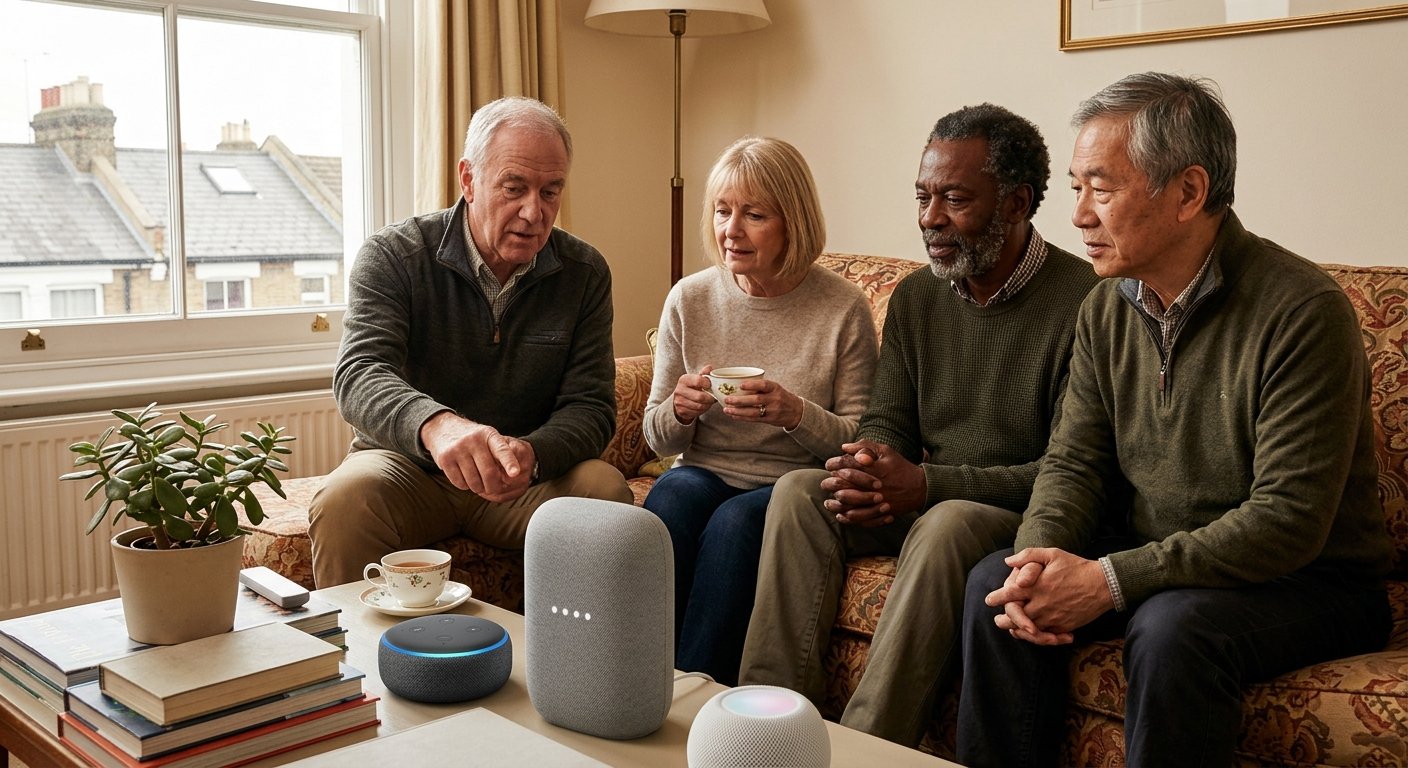
Smart speakers and health gadgets can help older people stay in their own home for longer, and more safely. They range from a speaker that reminds you to take your tablets to a watch that calls for help after a fall. Just as importantly, they can give families real peace of mind.
This guide contains affiliate links. If you buy through them, we may earn a small commission at no extra cost to you.
This guide explains the main options, what they are good for and what to watch out for. These gadgets support everyday health, but they do not replace advice from your GP, pharmacist or nurse. So if a reading worries you, or you feel unwell, always speak to a health professional.
Smart speakers and smart displays
A smart speaker is a small speaker you talk to. You simply say a wake word, such as “Alexa” or “Hey Google”, then ask a question or give an instruction. Because there are no buttons or screens to learn, they are one of the easiest gadgets for older people to use.
Useful things a smart speaker can do include:
- Reminders. “Alexa, remind me to take my tablets at 9am every day.”
- Hands free calls. Call family by name without picking up a phone, which helps if you have poor eyesight, arthritis or a fall.
- Radio, music and audiobooks, just by asking.
- The time, date and weather, useful for anyone who sometimes loses track of the day.
- Controlling lights and heating if you have smart plugs, smart bulbs or a smart thermostat.
A smart display, such as the Amazon Echo Show or Google Nest Hub, adds a screen. As a result, you can make video calls, see reminders written down and view family photos. Family members can often “drop in” with a video call, if you agree to this in the settings.
Amazon has also launched Alexa+, a more conversational version of Alexa. In the UK it is still being rolled out, and it works on most recent Echo devices. Amazon says it will cost £19.99 a month once the free trial period ends, although it will be included for Amazon Prime members. Meanwhile, the standard Alexa remains free, and it handles reminders, calls and radio perfectly well.
Smart speakers on Amazon | Smart displays on Amazon
Health monitoring at home
Smart speakers are great for reminders, but they cannot check your health. For that, some simple devices let you keep an eye on things between appointments, and share readings with your GP or nurse if they ask.
- Blood pressure monitors. If your GP has asked you to check your blood pressure at home, choose a monitor that has been checked for accuracy. The British and Irish Hypertension Society keeps a free list of approved monitors, and these are the ones recommended for use with the NHS. An upper arm monitor is usually more accurate than a wrist one, and the cuff must fit your arm properly. Home monitors also lose accuracy over time, so the society suggests replacing yours after four years at most.
- Digital thermometers. A simple ear or forehead thermometer is quick to use and easy to read.
- Bathroom scales with a large display. Useful if your doctor has asked you to watch your weight, for example with a heart condition.
- Pulse oximeters. These clip on a finger and show your oxygen level and pulse. They can be useful if a health professional has asked you to use one. However, readings can be less accurate on darker skin, with cold hands or with nail varnish. Always follow the advice of your GP or NHS 111, rather than relying on the number alone.
Many of these devices can connect to a phone app, so readings are saved automatically. That is handy, but not essential. In fact, a notebook works just as well.
Upper arm blood pressure monitors on Amazon | Digital thermometers on Amazon

Remembering medication with smart speakers and gadgets
Forgetting tablets, or taking them twice, is a common worry. Fortunately, there are gadgets to suit every level of need.
- Smart speaker reminders. Free if you already have a smart speaker. Set a daily reminder by voice.
- Weekly pill organisers. A plastic box with a compartment for each day, and sometimes for morning, afternoon and evening. Simple, cheap and very effective.
- Pill boxes with alarms. These beep or flash when it is time for a dose.
- Automatic pill dispensers. A locked carousel that opens only the right compartment at the right time, with an alarm. Some can also alert a family member by text if a dose is missed. These suit people who may become confused about whether they have taken their tablets.
Ask your pharmacist before moving tablets out of their original packs, as some medicines need to stay sealed. Some pharmacies can also supply medicines in labelled packs for each day. In addition, you can order repeat prescriptions through the NHS App. Our guide to pill dispensers and medication reminders compares the options in more detail.
Pill organisers on Amazon | Automatic pill dispensers on Amazon
Help after a fall
A fall is one of the biggest worries for older people living alone, especially the fear of not being able to reach a phone. Smart speakers can call a family member by voice, but they cannot call 999, so they are not a replacement for an alarm. Luckily, two types of gadget can call for help.
- Personal alarms. A pendant or wristband with a button that connects you to a 24 hour monitoring centre, who can call a relative or an ambulance. Many now include automatic fall detection, so they raise the alarm even if you cannot press the button. Your local council may run a scheme, while private providers usually charge a monthly fee.
- Smartwatches with fall detection. Some smartwatches, such as the Apple Watch and some Samsung Galaxy watches, can sense a hard fall. If you do not respond, they call the emergency services and text your emergency contacts. Bear in mind that they need a compatible phone, and some features need a mobile plan for the watch.
Personal alarms on Amazon | Smartwatches with fall detection on Amazon
If you already have a personal alarm, check it will keep working when your landline moves to digital. Our guide to the digital landline switch and telecare alarms explains what to ask your provider. For gadgets that help when you are out and about, see our guide to going out safely in your eighties.
To help prevent falls in the first place, see our guide to motion sensor night lights, and browse our guides to keeping older people safe at home. You may also find a key safe useful, so carers or paramedics can get in quickly.
Privacy and setting up smart speakers for a relative
If you are setting up gadgets for a parent or relative, a little care at the start makes a big difference.
- Ask first, and explain. Make sure your relative knows what each device does and agrees to it, especially anything that lets others drop in on video calls or see health readings.
- Check the privacy settings. Smart speakers only start recording when they hear the wake word, and most have a button to switch the microphone off. You can also review and delete voice recordings in the Alexa or Google Home app.
- Set it up together. Put reminders, emergency contacts and favourite radio stations in place before you leave, and write simple instructions on a card.
- Keep it simple. Start with one gadget that solves a real problem, rather than filling the house with technology.
- Watch out for scams. Genuine companies will not cold call to say a device needs paying for or upgrading. If in doubt, hang up and call the company on a number you trust. Our guide on how to spot a scam text, call or email has more tips.
Choosing smart speakers and health gadgets: quick checklist
- Think about the one problem that matters most, such as forgetting tablets, feeling isolated or worrying about falls.
- For reminders, calls and company, start with a smart speaker or smart display.
- For blood pressure, choose a monitor from the British and Irish Hypertension Society’s approved list.
- For medication, try a pill organiser first, and an automatic dispenser if more help is needed.
- For falls, consider a personal alarm with fall detection, and check it will work after the landline switch.
- Set devices up together, agree how they will be used, and check the privacy settings.
- Always speak to your GP, pharmacist or NHS 111 if you are worried about your health.
Smart speakers and health gadgets: the bottom line
In short, the right smart speakers and health gadgets can make daily life at home easier and safer. For most people, a smart speaker for reminders and calls is the best place to start, followed by a personal alarm if falls are a worry. Choose one gadget that solves a real problem, set it up together, and add more only if they help. For gift ideas, see our tech gifts for older parents and grandparents.