
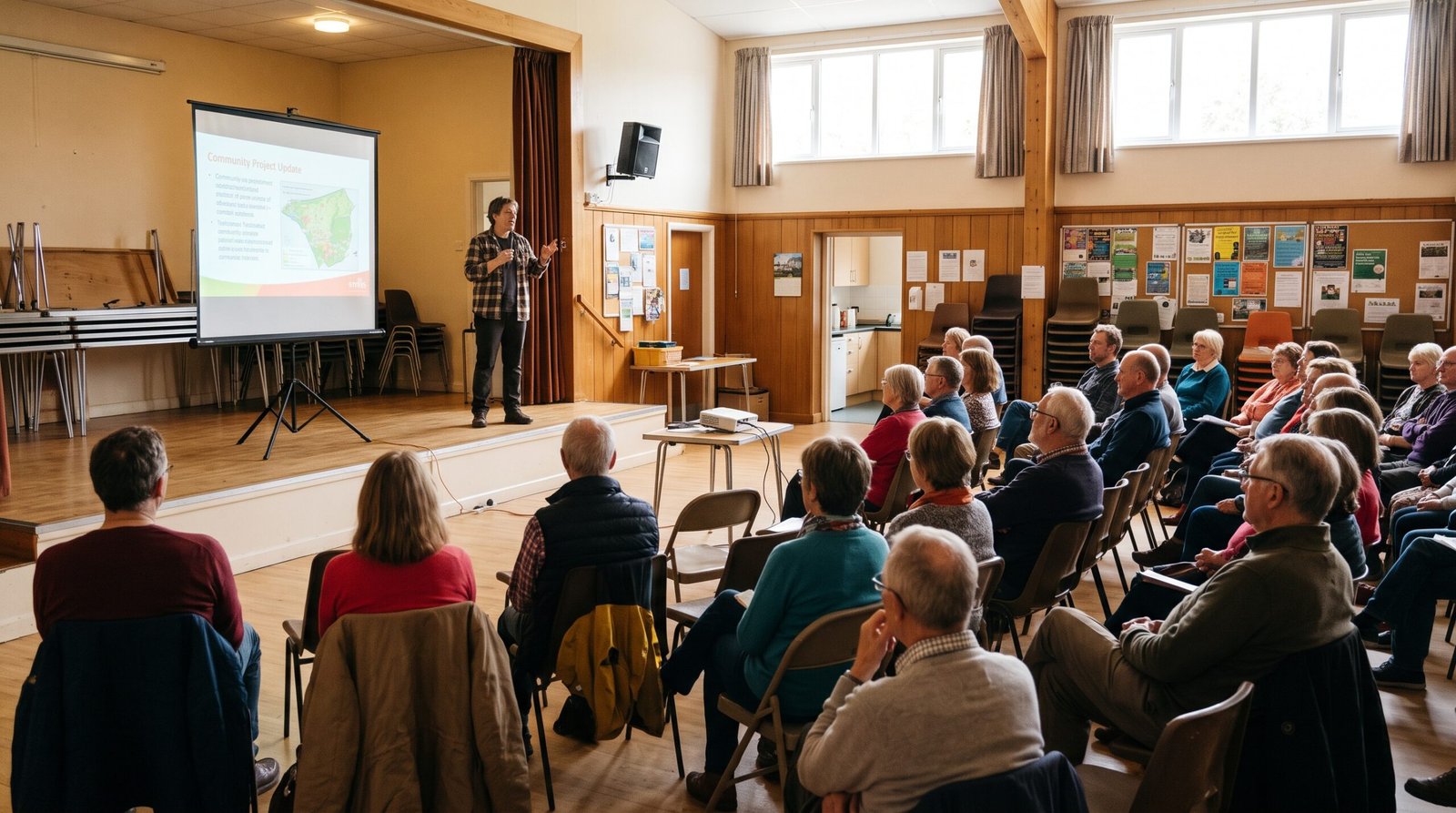
Projectors for small charities make it easy to share slides, videos and photos with a room full of people. This guide is for trustees, volunteers and staff at small charities and community groups who want a simple, sensible choice. You do not need to be good with technology to follow it.
So, whether you run talks in a church hall, training sessions or a film night, read on. We explain what matters, suggest a few good options and give rough prices.
What to look for in projectors for small charities
Most projector boxes are full of numbers. However, only a few of them really matter for a small charity.
Brightness
Makers measure brightness in lumens. Look for “ANSI lumens” or “ISO lumens”, because those figures follow a proper test. Some very cheap projectors quote much bigger numbers that do not match real use.
As a rough guide, 2,000 to 3,000 ANSI lumens copes with a room that has some daylight. For a bright hall with the lights on, 3,000 to 4,000 ANSI lumens is safer. In short, the brighter the room, the brighter the projector you need.
Picture quality
Most office projectors use a resolution called WXGA, which is 1280 by 800 pixels. That is plenty for slides, charts and photos. Full HD (1080p) looks sharper, but it usually costs more and matters most for films.
Connections
Check for an HDMI socket, because most laptops can plug straight in. If your laptop only has USB-C sockets, you will also need a small adapter. Our guide to hybrid meetings on a small budget explains which cables and adapters to buy.
Lamp life
Many budget projectors use a lamp that slowly fades and eventually needs replacing. For example, Epson and BenQ quote thousands of hours of lamp life, and even more in eco mode. For a group that meets once a week, a lamp can last for many years.
The best projectors for small charities
Prices change often, so treat these as rough guides. Also, compare a few shops before you buy.
Epson CO-W01: best for occasional talks
The Epson CO-W01 is a simple, light projector with 3,000 lumens and WXGA resolution. It has HDMI and a small speaker built in. As a result, it suits a group that runs a few talks or training sessions a month.
It usually costs around £250 to £300. See the Epson CO-W01 on Amazon.
BenQ MW560: best for brighter rooms
The BenQ MW560 gives 4,000 ANSI lumens, so it copes better with daylight and hall lighting. It also has two HDMI sockets, which helps when two speakers bring laptops. BenQ quotes up to 15,000 hours of lamp life in its lamp save mode.
Expect to pay around £350 to £400. See the BenQ MW560 on Amazon.
Epson EB-W51: best for regular, heavy use
The Epson EB-W51 also offers 4,000 lumens and WXGA resolution. Epson quotes 6,000 hours of lamp life, or 12,000 hours in eco mode. So, it suits a busy community centre that uses a projector most days.
It costs more, at around £450 to £520. See the Epson EB-W51 on Amazon.
Nebula Capsule 3: best portable projector for dark rooms
The Nebula Capsule 3 is about the size of a drinks can. It has a battery that lasts about two and a half hours, plus Full HD resolution. However, it only gives 200 ANSI lumens, so you need a dark room and a small group.
Because it runs Google TV, it also works well for film nights. It usually costs around £370 to £500. See the Nebula Capsule 3 on Amazon.
A tripod projector screen
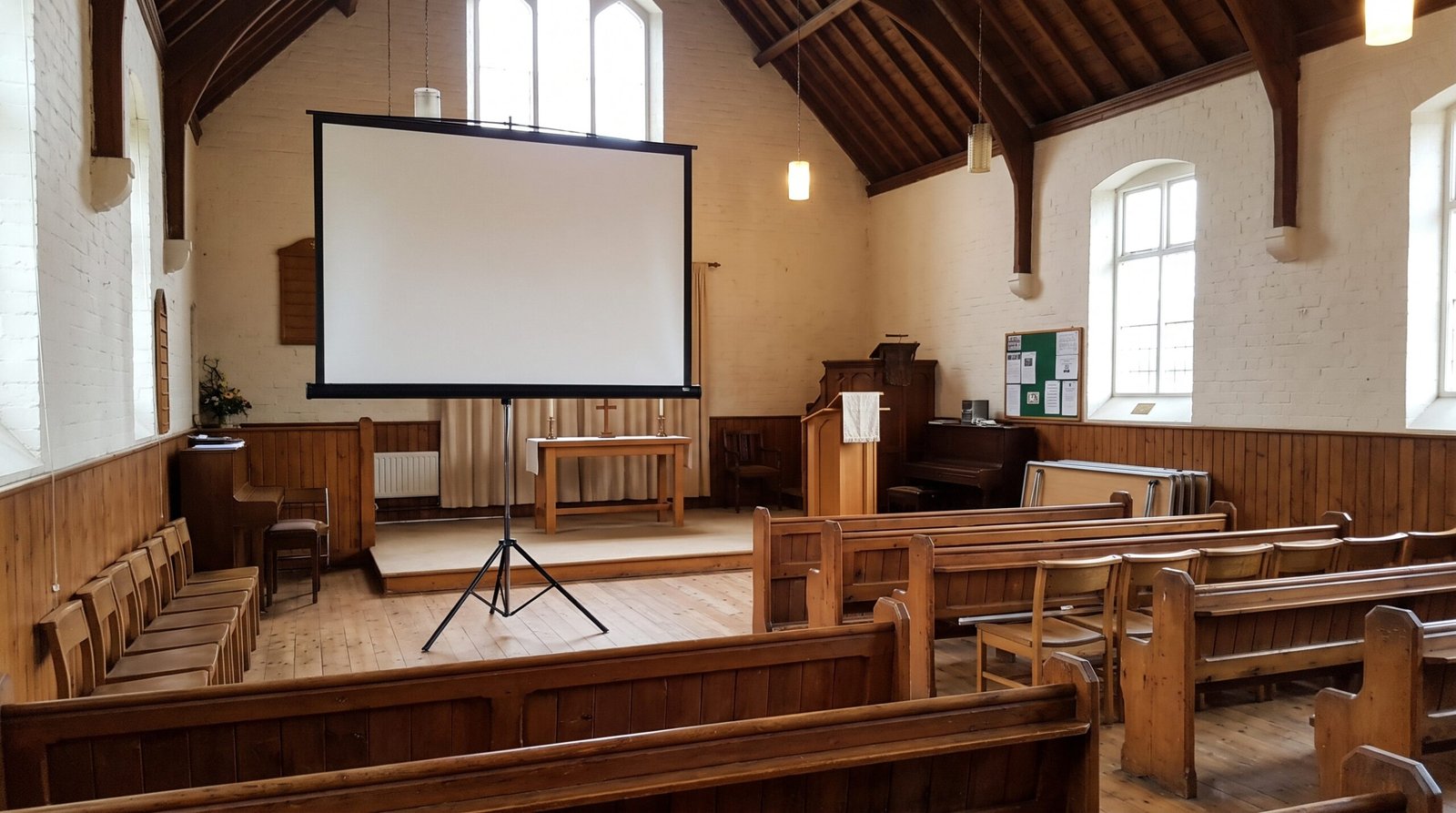
A plain white wall works fine in many halls. On the other hand, a folding tripod screen gives a cleaner picture and goes anywhere. A 100 inch tripod screen usually costs from around £75. See tripod projector screens on Amazon.
Setting up a projector for presentations
Setting up takes only a few minutes once you know the steps. So, practise once before the day.
- First, put the projector on a steady table, facing the wall or screen.
- Then plug in the power lead and connect your laptop with the HDMI cable.
- Next, switch on the projector before the laptop, because this helps the laptop find it.
- If no picture appears, press the “Source” or “Input” button until it does.
- After that, turn the zoom and focus rings until the words look sharp.
- Finally, sit at the back of the room and check you can read the smallest text.
Before you buy
Projectors for small charities can last for years, so a few quick checks are worth the time.
- Visit the room first. Note how bright it is, where the plug sockets are and how far back the projector will sit.
- Check your laptop. Make sure you know which socket it has, so you buy the right cable or adapter.
- Think about sound. Small built in speakers struggle in a big hall. Our guide to portable PA systems for charity events can help.
- Look for charity discounts. Charity Digital Exchange offers discounted technology to eligible UK charities, so it is worth a look.
- Consider refurbished. A refurbished projector with a warranty can cost much less. Read our guide on whether to buy refurbished first.
Getting help with projectors for small charities
If you feel unsure, ask a volunteer who uses technology at work. Your local council for voluntary service may lend equipment, or know a group that can. Also, try the projector at home before your first event, so nothing catches you out.
Choosing the right one
In short, the best projectors for small charities match the room you use. For occasional talks, the Epson CO-W01 offers good value.
For bright halls, choose 4,000 lumens or more. Finally, add a screen, the right cable and a little practice, and your next talk will go smoothly.