

Clear, practical advice to help you choose an affordable laptop, phone or tablet with confidence.
Buying a laptop, phone or tablet can feel like walking into a shop where everyone speaks a different language. Gigabytes, processors, refresh rates, cloud storage. It is easy to feel rushed into spending more than you need, or to come away with something that does not quite suit you.
Good Sense Guide is here to make choosing an affordable laptop, phone or tablet easier. Whether you are buying for yourself, for a parent, or for a small charity on a tight budget, the same simple rule applies. Start with what you need to do, then find the most affordable device that does it well.
This guide walks you through the basics in plain English. No jargon, no hard sell, just the questions worth asking before you buy.
Before you buy an affordable laptop, start with what you need
Most people use a handful of everyday tasks: email, video calls, browsing, online banking, writing letters and watching programmes. None of these needs an expensive machine. The most powerful device in the shop is usually built for gaming, video editing or design work.
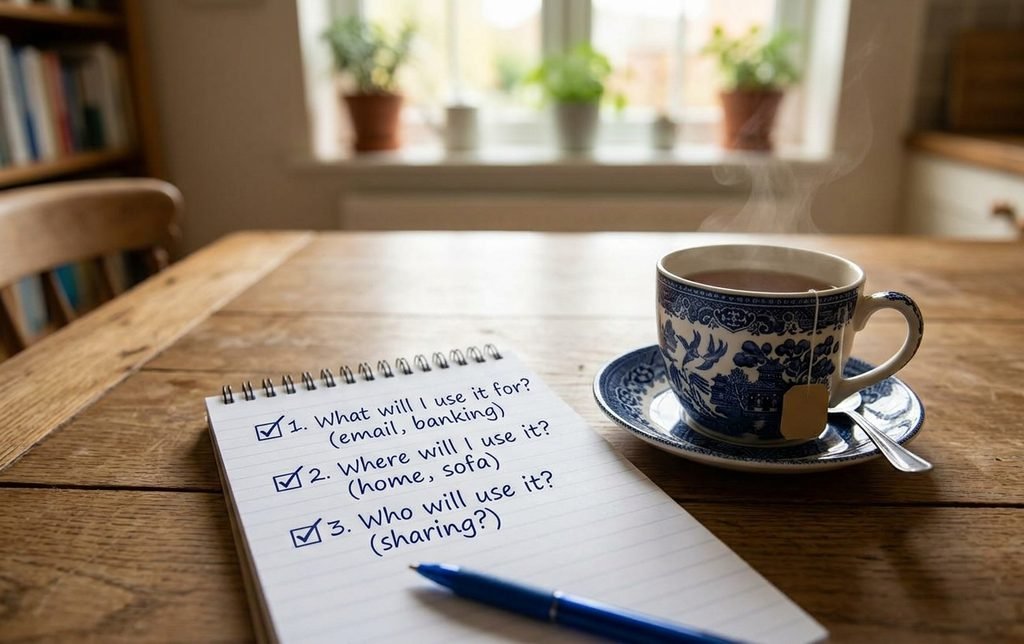
Before you look at a single price tag, write down three things.
- What will you use it for? List the five tasks you do most often.
- Where will you use it? At a desk, on the sofa, or out and about.
- Who will use it? One person, or several staff and volunteers sharing it.
Your answers will narrow the choice quickly. Someone who mainly makes video calls to family may be happiest with a tablet. A charity worker writing reports and funding bids will want a laptop with a proper keyboard.
Choosing an affordable laptop: what matters
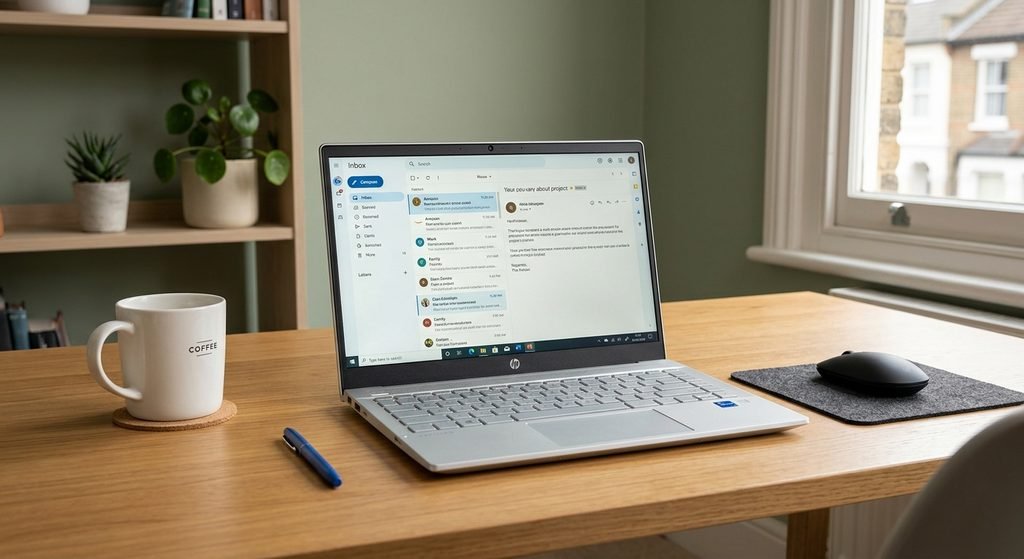
A few features make a real difference to everyday use. Others mainly push the price up. Here is what to look for in a sensible, affordable laptop for home or office work.
| Feature | What to look for | Why it matters |
|---|---|---|
| Memory (RAM) | 8GB at least, 16GB if you can | Lets you keep several things open without slowing down |
| Storage | A solid state drive (SSD) of 256GB or more | Starts up quickly and is more reliable than older hard drives |
| Screen | 14 to 15.6 inches, Full HD | Comfortable to read without being too heavy to carry |
| Battery | 8 hours or more of real use | Works through a meeting or a day away from a socket |
| Software | Windows 11, ChromeOS or macOS with updates ahead | Keeps you safe from new online threats |
What you can usually ignore are fancy graphics cards, very high screen refresh rates and anything labelled “gaming”. These add cost without helping with email or spreadsheets.
A Chromebook is worth considering if you mostly work online. Chromebooks are often cheaper, start in seconds and update themselves. Every Chromebook has a set date when updates stop, so check this before you buy.
For our recommendations, see the best simple laptops under £400 and the best budget laptops for charity staff and volunteers. If you still use an older Windows 10 computer, read our guide Is your old computer still safe to use? to check your options.
Mobile phones and tablets
You do not need the latest flagship phone to stay connected. Just as with an affordable laptop, many mid range phones take good photos, handle video calls well and last all day on a single charge.
When choosing a phone, the most important question is how long it will receive security updates. In the UK, manufacturers must now tell you the minimum period a device will be supported. A phone with five or more years of updates ahead is often better value than a cheaper one that stops getting updates next year.
For older people, or anyone who finds small screens tricky, look for:
- A larger screen, ideally 6.5 inches or more
- Clear text size and display settings that are easy to change
- Good speaker volume and hearing aid compatibility
- A simple, uncluttered home screen, or a phone designed for ease of use
A tablet can be a wonderful choice for video calls with family, reading, and browsing from the comfort of an armchair. It can also cost less than an affordable laptop. A tablet with a stand or keyboard case can work well for volunteers taking notes or signing people in at events.
See our guides to the best phones for older people and the best tablets for video calls with family.

Saving money on an affordable laptop without cutting corners
Refurbished devices can save a great deal of money. A refurbished affordable laptop or phone has been checked, cleaned and repaired by a professional before being sold again. Buy from a reputable seller, look for a warranty of at least 12 months, and check the condition grade. Grade A usually means it looks almost new. Read our guide Should you buy refurbished? for more.
Charities have extra options. Registered charities can often get donated or heavily discounted software and hardware through schemes such as Charity Digital Exchange, Microsoft’s nonprofit programme and Google for Nonprofits. It is always worth checking these before paying full price. Our guide to free or discounted technology for small charities explains how.
Think about the total cost. A cheap printer with expensive ink can cost more over two years than a pricier model with low running costs. The same goes for phone contracts, so compare a SIM only deal with buying the handset outright.
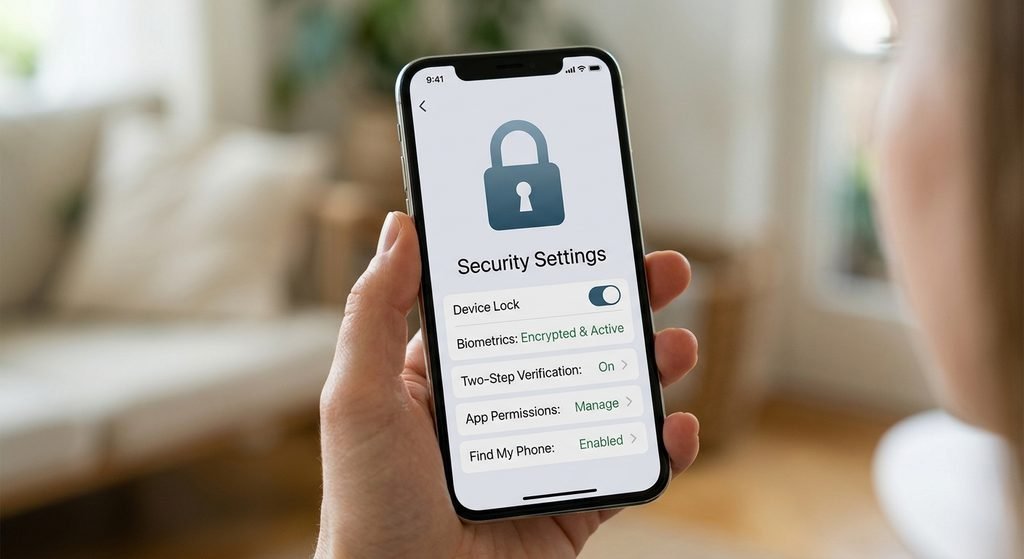
Stay safe from day one. Set a strong password or PIN, turn on automatic updates, and switch on two step verification for email and banking. The National Cyber Security Centre has free, simple advice on this. These few minutes of setup protect you far more than any expensive extra.
Your affordable laptop, phone or tablet checklist
- ☐ I know the main tasks I need the device for
- ☐ I have set a budget, including running costs
- ☐ The device has at least 8GB of memory and an SSD (laptops)
- ☐ It will receive security updates for several years
- ☐ I have checked refurbished options and any charity discounts
- ☐ The seller offers a clear returns policy and warranty
Buy with confidence
Good technology should make life easier, not more stressful. By focusing on what you really need, checking how long a device will be supported, and comparing a few trusted sellers, you can choose an affordable laptop, phone or tablet you will be happy with for years.
Explore all our guides for clear recommendations on laptops, phones, tablets and useful gadgets for home and charity use.
Good Sense Guide may earn a small commission if you buy through links on this site, at no extra cost to you. This never affects our recommendations.