

Tablets are one of the easiest ways for an older relative to make video calls with family. The screen is bigger than a phone’s, there is no keyboard to deal with, and a tablet can stand on the kitchen table during a call. So choosing the right one comes down to a few simple questions.
Good Sense Guide may earn a small commission if you buy through links on this page, at no extra cost to you. This does not affect our recommendations.
What to look for in tablets for video calls
- A screen of about 8 to 11 inches. A 10 or 11 inch screen is best for seeing faces clearly on the table. However, an 8 inch tablet is lighter to hold in one hand, and still fine for calls.
- A front camera on the long edge. When the tablet sits sideways, the person looks straight at the caller instead of off to one side.
- Clear speakers and a good microphone. These matter more than a sharp screen for a good call.
- The right apps. Check that the tablet runs the app your family already uses, such as WhatsApp, FaceTime or Zoom.
- Several years of security updates. Updates keep the tablet safe to use for longer.
The best tablets for video calls: our picks
Best overall: Apple iPad (A16)
The iPad is the easiest tablet to recommend for video calls. FaceTime is simple to use, the camera sits on the long edge, and Apple gives updates for many years. In particular, it is a great choice if family members use iPhones.
Best Android tablet: Samsung Galaxy Tab A11+
The Galaxy Tab A11+ is one of the best value tablets for video calls. It has a large, clear screen at a sensible price, plus the full Google Play store for WhatsApp, Zoom and Google Meet. Also, Samsung’s Easy mode makes the icons and text bigger.
Best smaller tablet: Samsung Galaxy Tab A11
The Galaxy Tab A11 is lighter and cheaper than the Plus model, with an 8.7 inch screen. As a result, it suits someone who wants to hold the tablet in one hand for calls, reading and browsing. Samsung also promises several years of security updates.
Best on a tight budget: Amazon Fire HD 8 or Fire Max 11
Amazon’s Fire tablets are the cheapest options in this guide. They work well for Zoom, Alexa calls, reading and watching TV. However, they do not have the Google Play store, so WhatsApp video calls are not officially supported. Check which app your family uses before you buy.
Check the price at John Lewis (Fire HD 8) | Check the Fire Max 11 at Amazon
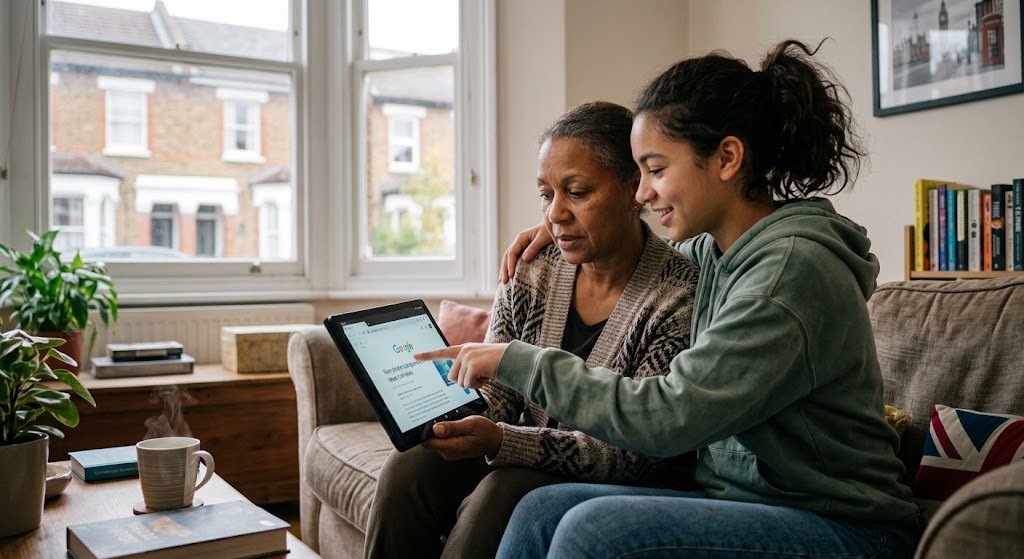
Setting up tablets for video calls from day one
- Buy a case with a stand. A case that folds into a stand keeps the tablet upright during calls. See tablet cases on Amazon.
- Set up the app. Add family members as favourites before you hand the tablet over.
- Make the text bigger and turn on captions. Live captions help if hearing is a worry. For the TV, see our guide to wireless TV headphones.
- Make a test call together. Then write down two or three simple steps for answering a call.
- Turn on updates and set a PIN. Switch on automatic updates and choose a simple PIN they will remember.
For the most useful settings, see our guide to setting up a phone or tablet.
Tablets for video calls or a smart display?
Some people never want to touch a screen. For them, a smart display such as an Amazon Echo Show can answer calls by voice and show family photos when it is not in use. It does less than a tablet, but it can feel more relaxed to use.
Our guide to smart speakers and health gadgets explains more. Alternatively, a digital photo frame is another simple way to share pictures.
If you are buying a tablet as a present, see our guide to tech gifts for older parents and grandparents. For general help choosing any device, read our guide on how to choose an affordable laptop, phone or tablet.
Tablets for video calls: the bottom line
The best tablet for video calls is the one that runs the app your family already uses. For most people, the Apple iPad is the easiest choice, especially if the family uses iPhones. The Samsung Galaxy Tab A11+ is the best Android option, while an Amazon Fire tablet suits a tight budget, as long as nobody needs WhatsApp.