
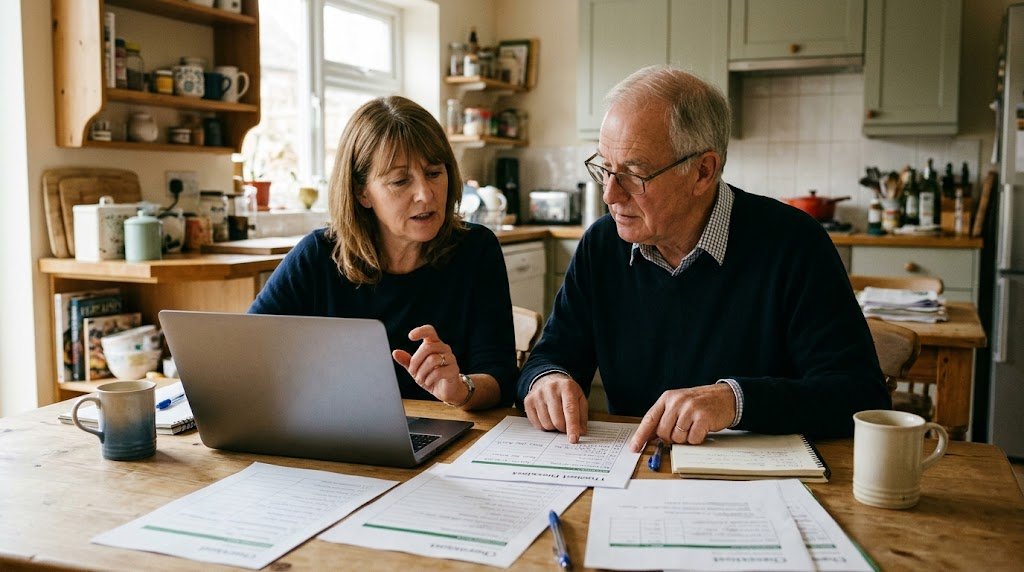
This guide is for trustees, staff and volunteers who look after emails, donor details and bank logins without an IT person to call on. Most of the steps are free, and the low cost items come with rough prices.
Good Sense Guide may earn a small commission if you buy through links on this page, at no extra cost to you. This does not affect our recommendations.
Why cyber security for small charities matters
Criminals target bank details, donor lists and trusted email accounts. Busy volunteers and shared passwords add to the risk. In fact, the government’s latest Cyber Security Breaches Survey found that 28 per cent of charities had a breach or attack in the previous 12 months.
Phishing was the most common type. This is a fake email or message that tricks someone into clicking a link or sharing details. Our guide on how to spot a scam text, call or email explains the warning signs. Luckily, a few simple habits stop most attacks.
Cyber security for small charities: five free steps
The National Cyber Security Centre (NCSC) publishes free advice for small organisations, including charities. Much of it costs little or nothing.
1. Back up your important files
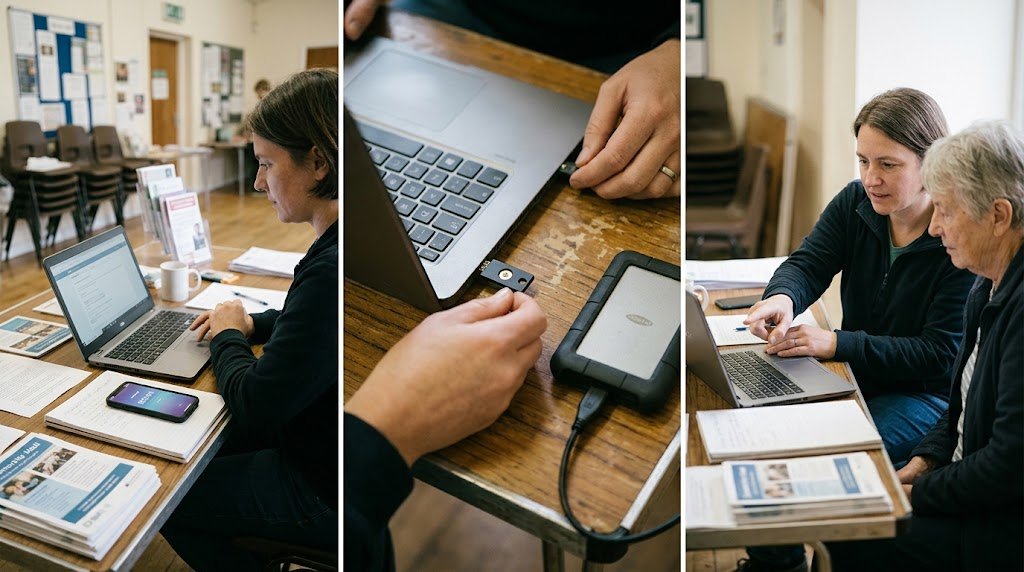
First, list what you could not manage without, such as donor records, Gift Aid claims, accounts, policies and photos. Then keep a copy away from the computer that holds the originals. You can use a cloud service, or an external drive that you unplug after each backup.
Every few months, check that you can get a file back from your backup.
2. Turn on two step verification
With two step verification, logging in needs your password plus a second check. This is usually a code on your phone or a small security key. Turn it on first for email, the bank, social media and any donations platform.
3. Use better passwords
- Use three random words, such as “kettle river trumpet”.
- Use a different password for every account.
- Change the default passwords on new routers, laptops and printers before you use them.
- After that, only change a password if you think someone else knows it.
4. Keep everything up to date
Turn on automatic updates for computers, phones and tablets, because updates fix security holes. Also use the antivirus built into Windows and Mac, and keep it switched on.
Plan to replace any device that can no longer get updates. Our guide to whether your old computer is still safe to use explains more.
5. Agree a rule for payments
Here is a common scam. An email that seems to come from the chair asks the treasurer to pay an invoice urgently. So agree that someone must check any new or changed bank details by phone, using a number you already have, never one from the email.
Also make sure nobody is blamed for asking questions or owning up to mistakes. That way, problems get reported rather than hidden.
Cyber security for small charities: kit worth buying
You can do a lot for free. However, a few items make the biggest difference.
A password manager
A password manager stores and fills in passwords, so staff can use long, unique ones. It also lets you share logins with volunteers safely, and remove their access when they leave.
- Bitwarden. This suits very tight budgets. There is a free version for individuals, and the Teams plan costs around 4 US dollars per person per month, paid yearly. See Bitwarden business plans.
- 1Password. This suits small teams who want something easy to use. The Teams Starter Pack covers up to ten people for around 25 US dollars a month, paid yearly. The company also offers nonprofit discounts, so ask first. See 1Password business plans.
Both prices were shown in US dollars when we checked, so check the price in pounds before you sign up.
An external drive for backups
A portable drive keeps a copy of your files that is not connected to the internet.
- WD My Passport or WD Elements portable hard drive (1TB or 2TB). This suits most small charities. Storage prices have risen recently, so expect to pay roughly £80 to £150. WD portable hard drives on Amazon.
- Samsung T7 portable SSD (1TB). This is faster and tougher, so it suits anyone who carries it between home and the office. Expect to pay around £160 to £240. Samsung T7 SSD on Amazon.
A security key
A security key is a small device, like a USB stick, that you plug in or tap to prove who you are. It is the strongest form of two step verification, because a fake website cannot fool it.
- Yubico Security Key C NFC. This suits treasurers and whoever looks after the main email account. It plugs into USB-C ports and also works by tapping a phone. It costs from around £30, and it is worth buying two so you have a spare. Yubico Security Key C NFC on Amazon.
- Yubico YubiKey 5 NFC. This suits older computers with the larger, rectangular USB port, and it works with more services. It costs around £55. YubiKey 5 NFC on Amazon.
Before you buy
- Check what your accounts support. Many big email services accept security keys, but many UK banks use their own app instead.
- Ask about charity discounts. Many software firms offer them without advertising it. Our guide on how small charities can get free or discounted technology explains where to look.
- Decide who looks after it. Name one trustee or volunteer to be in charge of backups and passwords, plus a second person who understands the setup.
- Buy from a trusted seller. Very cheap drives from unknown sellers may be fake or faulty.
Getting help with cyber security for small charities
- Read the free advice. The NCSC’s short guidance for small organisations is written for people who are not technical. Read the NCSC advice.
- Think about Cyber Essentials. This government backed certificate shows funders and partners that you take security seriously. The fee for the smallest organisations is around £320, and providers who help you through it often charge about £500 plus VAT in total. Find out about Cyber Essentials.
- If something goes wrong, act quickly. If money is involved, call your bank straight away. Then report fraud and cyber crime to Report Fraud, which replaced Action Fraud. In Scotland, contact Police Scotland on 101. Registered charities in England and Wales should also consider whether to report a serious incident to the Charity Commission.
Cyber security for small charities: a little effort goes a long way
Start with the free steps: back up your files, turn on two step verification and agree a rule for payments. Then add a password manager and a backup drive when your budget allows. In short, an hour spent this month could save weeks of worry later.