
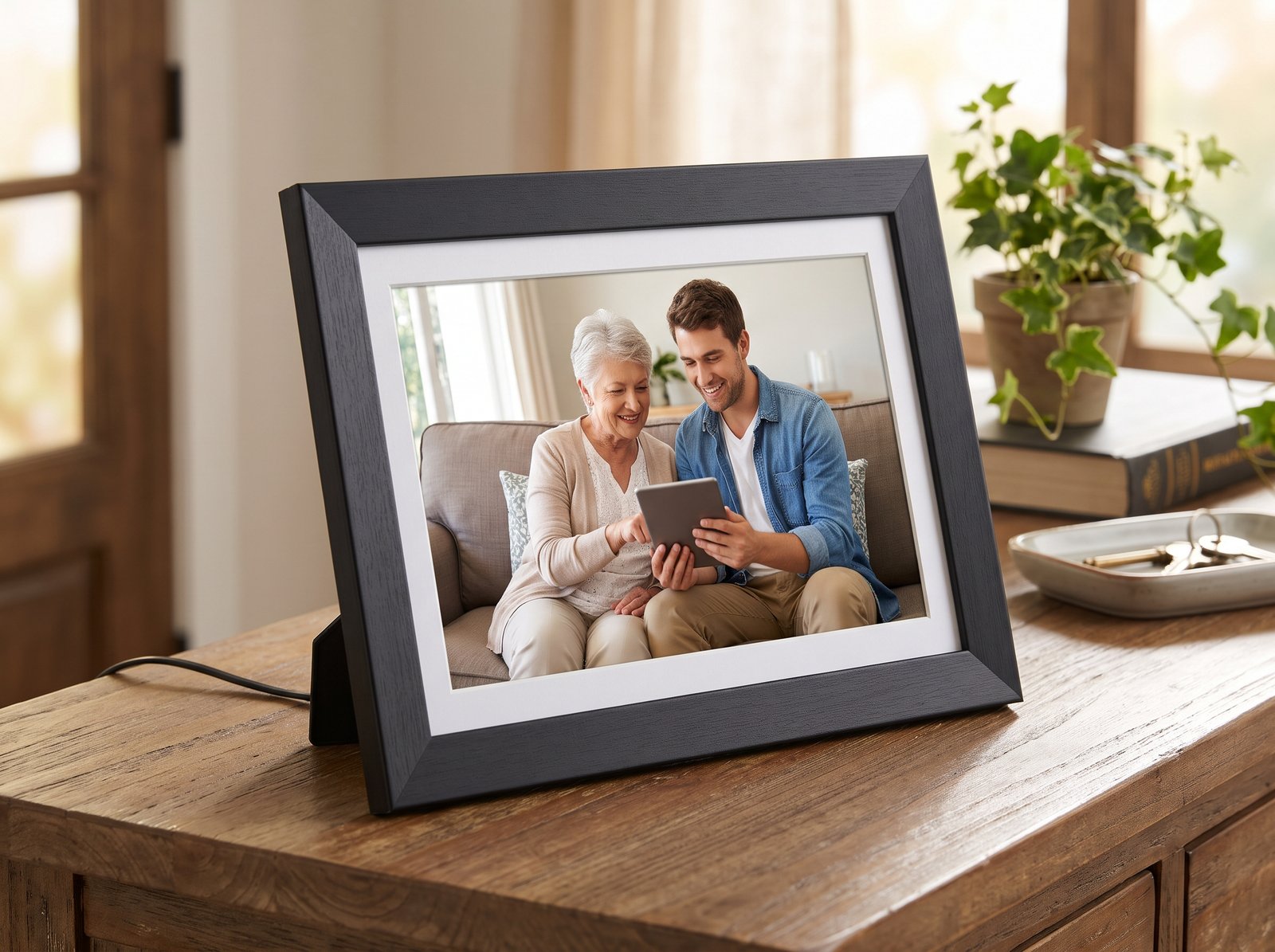
Digital photo frames are one of the most popular presents for grandparents. Family can send photos straight to the frame from their phones, so the grandparent has nothing new to learn.
This guide contains affiliate links. Good Sense Guide may earn a small commission if you buy through them, at no extra cost to you. This never affects our recommendations. How we make money.
Last updated October 2026.
How digital photo frames work
Most modern frames connect to the home wifi. Family members install a free app, or sometimes send photos by email, and the pictures appear within seconds. Many frames also play short videos.
One important point: these frames need home wifi. If your relative has no broadband, choose a frame that takes a memory card or USB stick instead. However, you will then need to add new photos by hand.
What to look for in digital photo frames
- No subscription. Some frames charge a monthly fee, but the best ones work fully without one.
- Easy photo sharing. Check how family members send pictures. Both an app and an email address are simple to use.
- Screen size. A 10 inch screen suits most homes. Larger screens are easier to see from across a room.
- Automatic brightness. This keeps photos looking natural and stops the frame being too bright at night.
- Set up before you give it. Some frames let you connect them and load photos before you wrap them.
The best digital photo frames for grandparents
Prices change often, especially around Black Friday, so treat these as a rough guide.
Aura Carver
Typical price: around £130 to £150
Best for: the simplest experience, with no fees
Good points:
- No subscription and unlimited photo storage
- Family members add photos through a simple phone app
- Adjusts brightness and colour automatically
- You can set it up in advance as a gift
Things to know: it costs more than budget frames.
Frameo 10 inch frame
Typical price: around £50 to £70
Best for: anyone on a budget
Good points:
- Low price, with no subscription
- Family members send photos through the free Frameo app
- Touchscreen to pause or skip photos
Things to know: several brands make Frameo frames, so the build quality varies. Also, the colours are less accurate than on dearer frames.
Nixplay 10.1 inch
Typical price: around £130 to £150
Best for: large families who want control over who can share
Good points:
- Family members can send photos by app or email
- You choose who can add photos
- Playlists, for example one for each grandchild
Things to know: some cloud features need an optional paid plan.
Tips for giving digital photo frames as a present
- Load it with photos first, so it works straight away.
- Write down the wifi password for your relative’s home before you visit.
- Invite the whole family to the app, so new photos keep arriving.
- Set a sleep time, so the screen turns off at night and back on in the morning.
Digital photo frames or a smart display?
A smart display such as the Amazon Echo Show can show photos and make video calls too. It does more, but there is a little more to learn. On the other hand, a frame is simpler for someone who just wants to see photos. Our guide to smart speakers and health gadgets explains more.
The bottom line
For the simplest experience with no fees, the Aura Carver is our pick. On a budget, a Frameo frame does the job well for around a third of the price.
For more ideas, see our Christmas gift guide for older parents and grandparents and our guide to Christmas gifts for older relatives under £50.