

Banking for older people does not have to be difficult. There is no single banking app made only for older people. However, there are useful tools that make banking easier and safer, especially with help from a trusted relative.
Good Sense Guide may earn a small commission if you buy through links on this page, at no extra cost to you.
Below, we look at the apps, cards and support that can help, and how to stay safe.
Tools that make banking for older people easier
Use your own bank’s app, set up for you
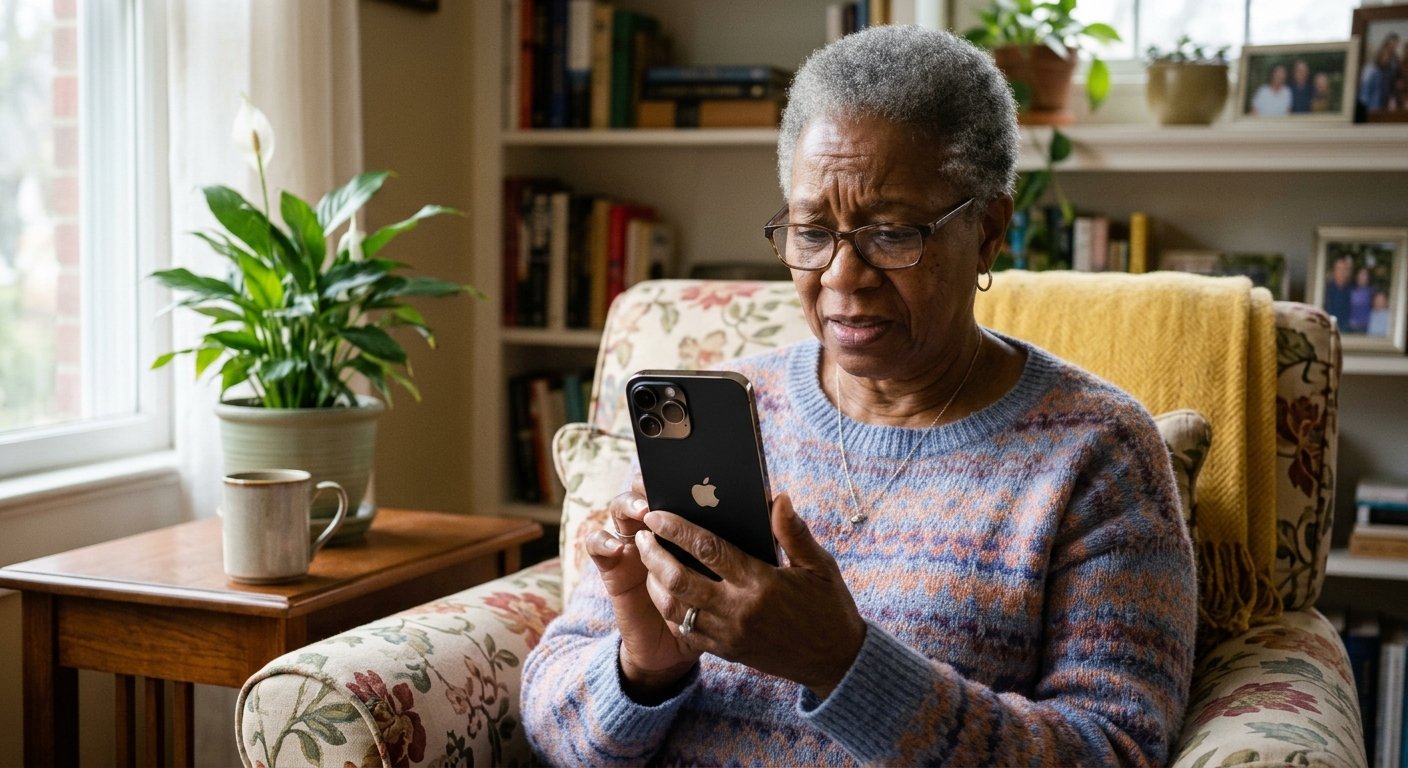
Most banking apps let you make the text bigger and log in with your fingerprint or face instead of a password. You can also switch on alerts for every payment, so you always know what is going in and out. If setting it up feels daunting, ask a family member to help.
Cards that a carer can use
Some banks offer a separate card that a trusted helper can use for shopping, without access to your main account. This is one of the most useful features in banking for older people who have a carer. For example, Santander’s Carers Card Account gives cards to up to two carers. It holds up to £1,500, and you open it at a branch if you already bank with Santander.
Other banks may offer something similar, so ask yours what it has.
Sibstar
This is a debit card and app built for people who need extra support, including people living with dementia. The cardholder keeps their card, while a supporter uses the app to set spending limits and get alerts for each payment.
It works alongside your normal bank account, as a separate pot for everyday spending. There is a set up fee of £4.99 and a monthly fee of £4.99. See Sibstar at the Alzheimer’s Society shop
Third party access
Most banks let you give a trusted person access to your account. This is different from power of attorney, so ask your bank which suits you. In addition, MoneyHelper offers free guidance on banking for older people, managing money and getting support.
A bigger screen helps
Banking on a tablet is often easier than on a small phone, because the buttons and text are larger. Read our guide to the best tablets for video calls with family.
Tablets on Amazon | Tablets at Argos
Safe banking for older people
Your bank will never ask for your PIN, or ask you to move money to a so called safe account. If in doubt, hang up and call 159, which connects you safely to your bank.
Banking for older people: simple tips
- Pick a quiet time. Check your account when you are not rushed, and keep your phone or tablet charged.
- Make it easy to read. Make the text larger and turn on payment alerts if your bank offers them.
- Save the right number. Add your bank’s phone number to your contacts, using the number printed on your card or shown in the official app.
- Keep codes private. Never share your PIN, password or one time code, even with someone who says they work for your bank.
- Avoid links in messages. If a message worries you, do not tap its link. Instead, open your banking app yourself.
Our guide on how to spot a scam text, call or email explains the warning signs in more detail.
Banking for older people: the bottom line
In short, banking for older people is easiest with the right settings, a little help from family and one or two simple safeguards. If you have pensions to keep track of as well, our guide to keeping track of your pensions can help.